
TL;DR
Yes — emails can be found on Instagram when users choose to share them publicly.
This is most common among accounts open to professional contact.
Three practical approaches
- Native manual checks
Review contact buttons, bio text, and link-in-bio pages.
- Cross-platform research
Look beyond Instagram.
LinkedIn, X, YouTube, and company websites often surface contact details not shown on profiles.
- Dedicated Instagram email finder tools (recommended)
For reliable, repeatable results, tools like Business Dolphin Radar centralize public email discovery, verification, and lead organization.
Can you really find emails from Instagram profiles?
In short, yes — with clear limitations.
Instagram allows users to display contact details through a dedicated contact section.
This option is available to accounts that enable professional features and is commonly used by businesses, creators, and brands open to inbound communication.
When an email is shared, it appears via a Contact button next to the Message option on the profile.
That said, email visibility is entirely optional.
Account owners can hide their email or choose not to publish one at all.
What happens when the email isn’t visible?
When Instagram does not display an email, the platform itself offers no further access.
At that point, discovery depends on publicly available signals outside the profile.
This is where specialized tools come into play.
Dedicated Instagram email discovery tools search across open data sources to identify contact information associated with:
- usernames
- personal or brand names
- linked domains
The goal is not extraction, but correlation — connecting Instagram identities to contact details users have already made public elsewhere.
Privacy and compliance
Before using any method or tool to find email addresses associated with Instagram profiles, it’s important to understand the compliance boundaries.
- Email discovery must rely only on publicly available information.
- It should be conducted for legitimate business purposes (sales, partnerships, professional outreach).
- Tools used must comply with applicable data privacy regulations (e.g., GDPR).
- Non-compliant tools can introduce legal, deliverability, and reputational risks.
- Reputable solutions correlate public identifiers (names, usernames, domains) and do not access private data.

6 ways to find the email associated with an Instagram account
Finding an email linked to an Instagram account depends on where — and whether — the account owner chooses to publish their contact information. Some profiles surface emails directly on Instagram, while others distribute contact details across websites, social platforms, or external sources.
Because of these differences, email discovery works best as a multi-step process rather than a single action. The methods below reflect the most commonly used approaches, ranging from direct profile checks to structured, tool-based workflows.
Here are six practical and ethical ways to find emails associated with Instagram accounts:
- Review the Instagram bio and contact options
- Explore the website linked in the profile
- Use Business Dolphin Radar for structured email discovery
- Inspect other connected social media profiles
- Run targeted Google searches
- Use AI tools to support research and validation
We’ll begin with the most direct option available on the platform itself.
1. Review the Instagram bio and contact options
How it works
Start with a direct inspection of the Instagram profile:
- Open the profile page and review the bio text for any listed email address.
- Look for a visible Contact option next to the Message button.
- If present, select the email contact method to view the address provided by the account owner.
This method relies entirely on information intentionally made public on Instagram.
Pros
- High accuracy, as the email is provided directly by the account owner
- No external tools or data enrichment required
- Fully compliant with platform and data privacy standards
Cons
- Limited reach, as many accounts choose not to display an email
- Manual review does not scale across large account sets
- Availability varies by profile configuration
2. Explore the website linked in the profile
How it works
When an Instagram profile does not display an email directly, the next step is to review the external website linked in the bio:
- Open the URL provided on the profile.
- Identify pages commonly used for professional contact, such as Contact, About, or Press.
- Review footer sections and legal pages, where email addresses are often published for formal inquiries.
This approach focuses on contact information that users choose to host outside of Instagram.
Pros
- Higher coverage for business, brand, and professional accounts
- Emails are often more appropriate for formal or commercial outreach
- Contact details are typically maintained and up to date
Cons
- Requires manual navigation and page review
- Email availability varies by site structure and disclosure preferences
- Less effective for personal accounts without external websites
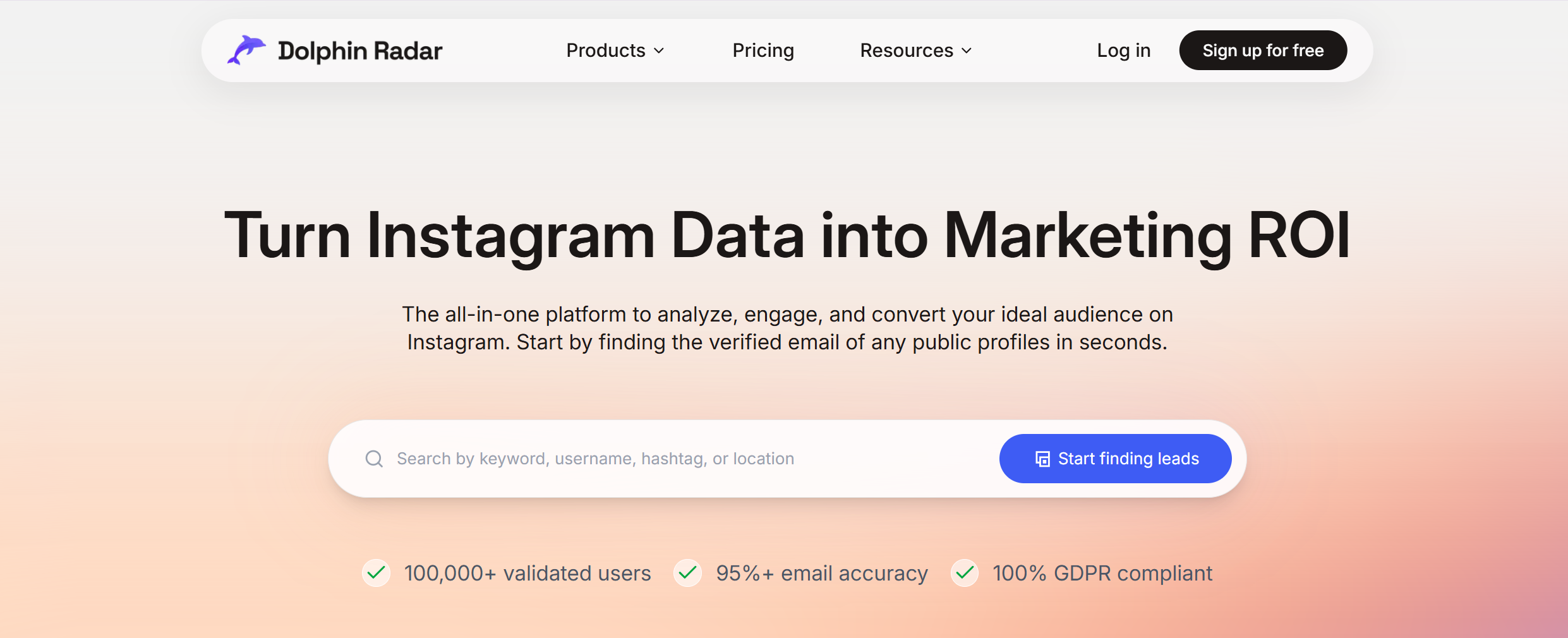
3. Use Business Dolphin Radar for structured email discovery
How it works
Business Dolphin Radar helps teams identify Instagram prospects first, then surface associated public emails.
Target accounts can be defined using five primary entry points:
- Follower — analyze followers of a specific Instagram account
- Following — identify accounts a target profile follows
- Location — filter profiles by geographic signals
- Keyword — discover accounts associated with specific terms
- Hashtag — find creators and brands active around defined hashtags
Once targets are identified, the platform matches profiles with publicly available business email data and prepares results for outreach.
Pros
- Designed specifically for Instagram-based prospecting
- High accuracy through continuous data verification
- Supports bulk research and lead export
- Privacy-first and compliance-oriented
Cons
- Limited to accounts with publicly available signals
- Not applicable to private profiles
4. Inspect other connected social media profiles
How it works
Instagram profiles often link to other platforms where professional contact is more common.
To extend your search:
- Review linked profiles on LinkedIn, X (Twitter), or YouTube
- Check profile bios and “About” sections for listed email addresses
- Follow links to personal or company websites referenced on those platforms
Many users centralize email contact on platforms designed for business communication rather than Instagram.
Pros
- Expands coverage beyond Instagram’s limitations
- Effective for professionals, founders, and brand accounts
- Contact details are often explicitly intended for outreach
Cons
- Requires manual cross-platform review
- Results vary depending on how consistently users manage their profiles
5. Run targeted Google searches
How it works
Search engines can surface email addresses published across the open web.
This method involves constructing focused queries using combinations of:
- names or brand names
- Instagram usernames
- associated domains
These searches may reveal emails listed on blogs, press pages, public profiles, or directories indexed by search engines.
Pros
- Can uncover emails not visible on social platforms
- Useful for validating contact information found elsewhere
- No specialized tools required
Cons
- Results depend heavily on query precision
- Manual review can be time-consuming
- Not suitable for high-volume prospecting
6. Use AI tools to support research and validation
How it works
AI tools such as ChatGPT can assist with research-related tasks during email discovery.
They are commonly used to:
- suggest likely email formats based on names and domains
- identify where contact information may be published
- summarize findings across multiple sources
AI outputs should always be validated against publicly available data before use.
Pros
- Speeds up research and pattern recognition
- Helpful for hypothesis generation and cross-checking
- Complements manual and tool-based methods
Cons
- Cannot access private or real-time contact data
- Accuracy depends on verification and human review
How to reach out after you find the email
Finding an email address is only valuable when outreach is handled with intent and discipline.
For professional teams, effective outreach is a controlled process — not a volume exercise.
1. Qualify before you contact
Before sending any message, confirm that the contact is relevant to your objective.
This includes:
- alignment with your target audience or use case
- a legitimate reason for initiating contact
- a clear potential outcome for both sides
Qualification reduces noise and protects long-term sender reputation.
2. Anchor every message in clear context
Outreach should always be grounded in context.
Each email must clearly communicate:
- who you are
- why you are reaching out
- why the message is relevant now
Context-driven messages signal professionalism and significantly outperform generic outreach.
3. Personalize with restraint
Personalization is effective only when it is intentional and transparent.
Use signals that are:
- publicly available
- directly related to the outreach objective
Over-personalization creates friction.
Relevant personalization builds trust.
4. Design outreach for deliverability and compliance
Successful outreach is engineered, not improvised.
Professional teams:
- validate email accuracy before sending
- segment contacts by intent or use case
- include clear identification and opt-out paths
Deliverability and compliance are not afterthoughts — they are part of the system.
Key takeaways
Finding emails associated with Instagram accounts depends on how users choose to publish their contact information across Instagram and external platforms. Reliable results come from structured workflows that combine on-platform checks, external validation, and purpose-built tools rather than isolated tactics.
At scale, solutions like Business Dolphin Radar help centralize Instagram-focused discovery and support compliant outreach by relying only on publicly available data. All discovery and outreach efforts should align with Instagram’s official platform policies and applicable data protection regulations, including the Platform Terms and Data Use Policy, to ensure sustainable and professional use.
FAQ
Can I find someone’s email from their Instagram bio?
Sometimes, if the user chooses to share it publicly.
Emails may appear in the bio or via a Contact button; otherwise, Instagram does not reveal private details.
Is it legal to email someone found via Instagram?
It can be, when done for legitimate business purposes.
Outreach must rely on public data and follow applicable regulations and Instagram platform policies.
What’s the best way to find emails at scale on Instagram?
Manual checks work for individuals, but not at scale.
Teams typically use structured tools like Business Dolphin Radar to centralize discovery using public signals.
What should I do if I can’t find an email on Instagram?
Expand the search beyond the profile.
Linked websites, other social platforms, or public data tools may surface contact details; otherwise, avoid outreach.
Do Instagram email finder tools work for private accounts?
No, they rely only on public information.
Private profiles or hidden emails cannot be accessed ethically or reliably.
Can I automate email outreach after finding the email?
Yes, with proper safeguards.
Email validation, segmentation, and compliance are essential to protect deliverability.
Author:
Business Dolphin Team
Last updated:
December 2025